

Quick Start
This article will guide you on how to quickly open or create a project.
Open or Create a Project
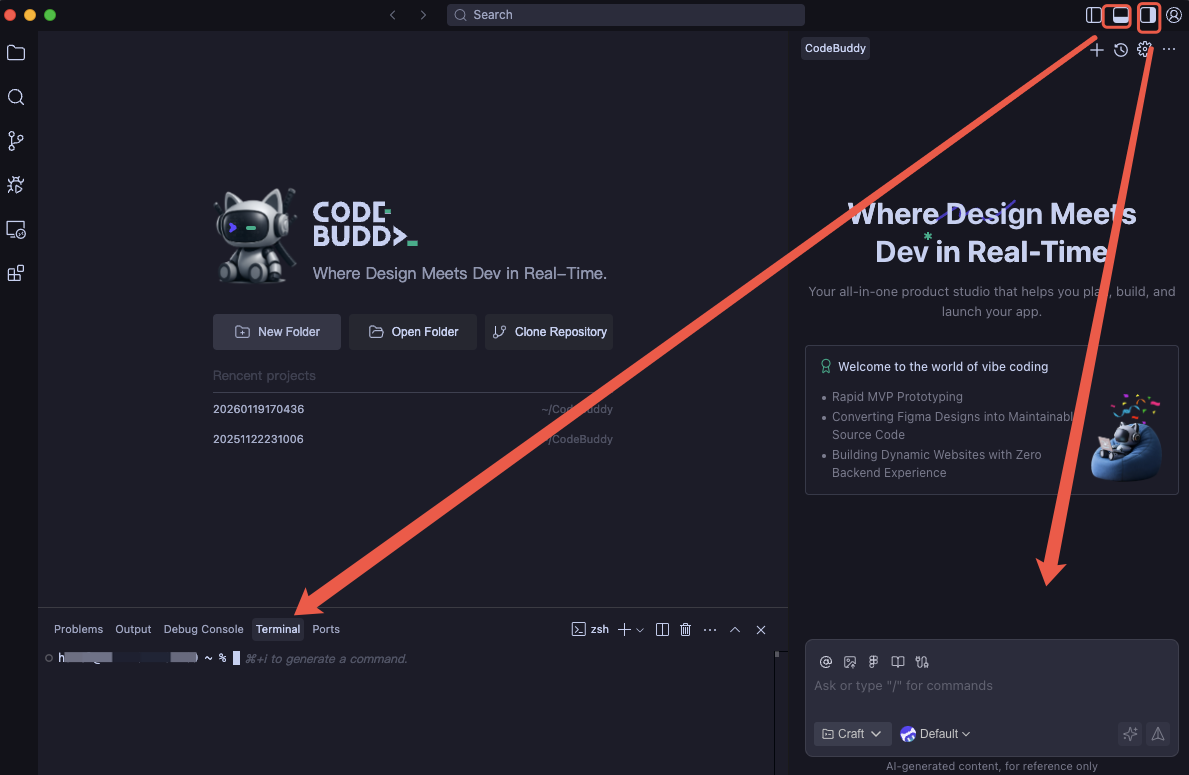
Open CodeBuddy IDE. The icons in the upper right corner correspond to opening and closing the terminal and the right-side chat window respectively.
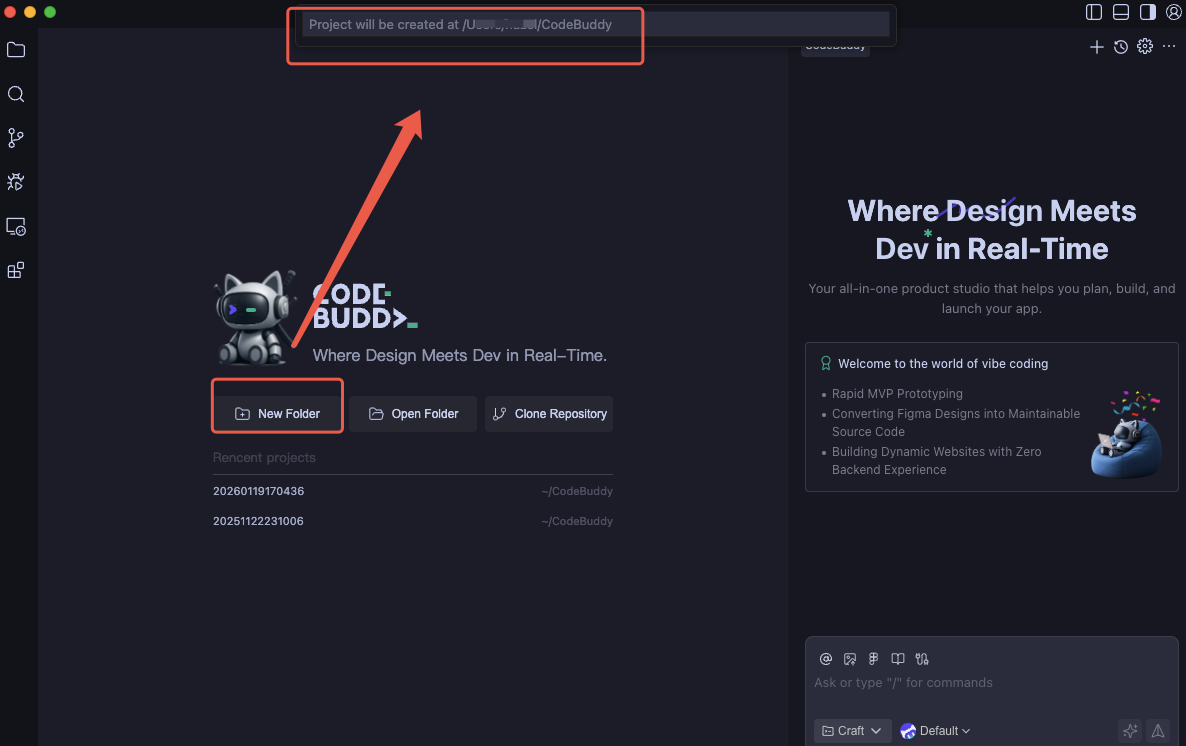
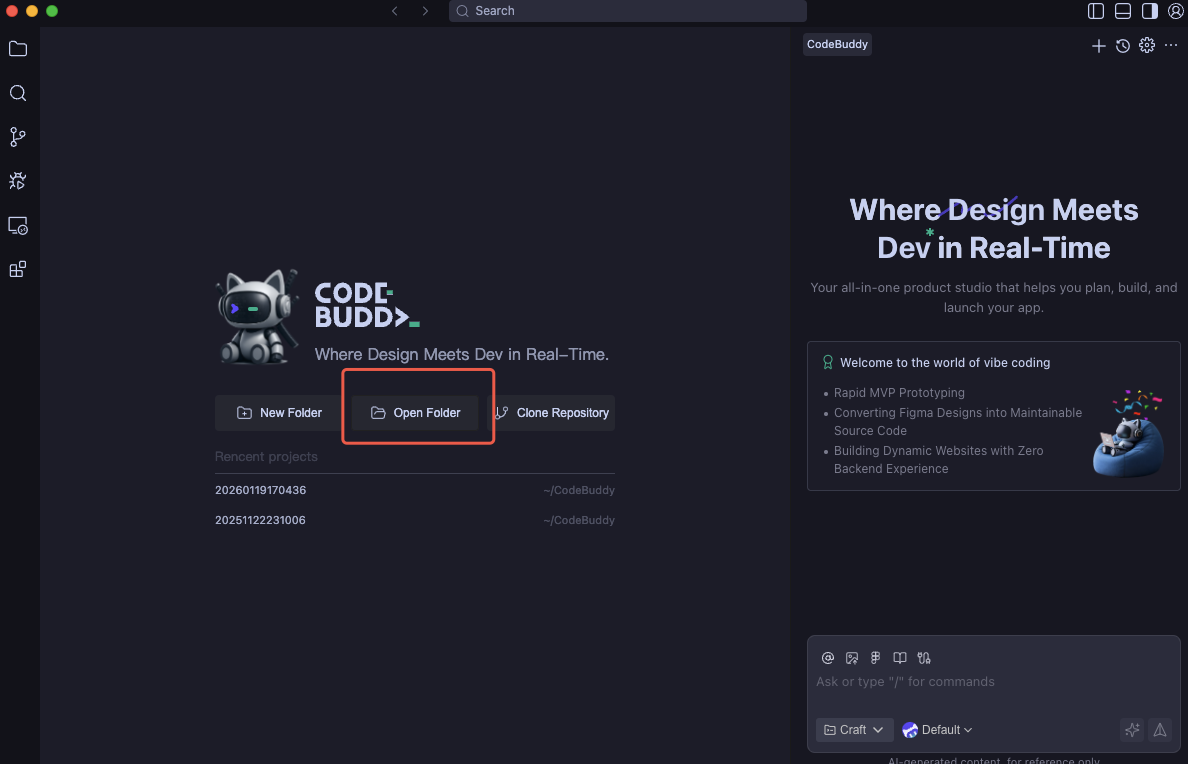
Choose to create a new project or open an existing project based on your needs.
- Create a New Project Click New Folder to create a new project in the system user directory.
- Open an Existing Project Click Open Folder to open an existing project locally.
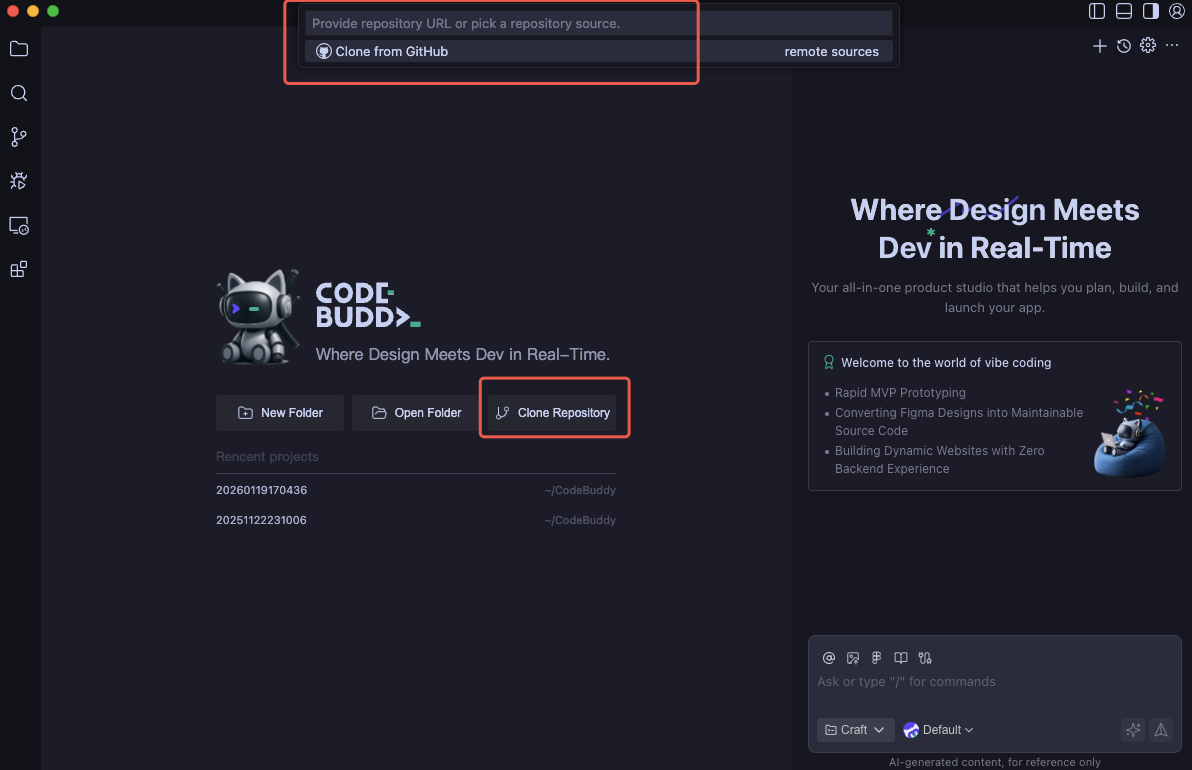
Clone a Remote Git Repository
Make sure Git is installed. You can check the version using the command below. If not installed, please visit Git to install it.
bashgit --versionGet the remote Git repository URL, for example:
bashhttps://github.com/leaferjs/leafer-draw.gitClick Clone Git Repository, enter the URL, then select the directory where you want to store the cloned project.
Now you can start your coding journey.